Turn your BPM into musical timing values
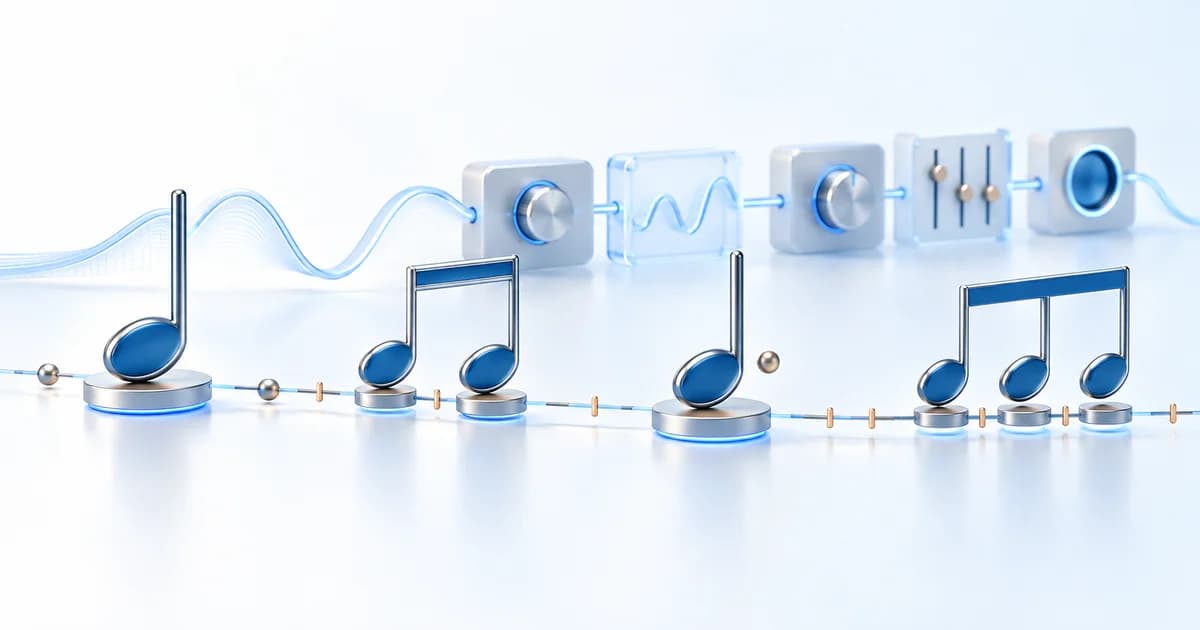
The Delay & Reverb Calculator converts a tempo into note durations measured in milliseconds. Enter the BPM, compare the displayed values, and copy a duration into an effect that accepts a numeric time setting. It is useful when you know the musical rhythm you want but your delay or reverb control asks for milliseconds instead of a note name.
The calculator accepts tempos from 20 to 300 BPM. It displays whole, half, quarter, eighth, and sixteenth notes, plus dotted quarter, dotted eighth, and eighth-note triplet values. These are mathematical durations, not automatic effect presets. The tool does not process audio, connect to your workstation, or decide which reverb sounds best.
How to use the calculator
- Establish the tempo of your project or recording. If you are unsure, use the homepage BPM Finder for a local audio file, or Tap Tempo to estimate the pulse by ear.
- Enter the BPM in the number field, or adjust the slider. The note durations update as the tempo changes.
- Choose a rhythmic value for the effect you are setting. A quarter-note echo repeats more slowly than an eighth-note echo at the same BPM.
- Select a timing card to copy its millisecond value, then enter it in the relevant control of your effect. Listen in context and adjust the sound around that timing.
The copied values use two decimal places. If your effect only accepts whole milliseconds, round the number and listen for the result. Copying a value does not change an effect automatically; you still apply it in your own music software or hardware.
The BPM-to-milliseconds formula
When BPM counts quarter-note beats, a quarter note lasts 60,000 ÷ BPM milliseconds. There are 60,000 milliseconds in a minute, so dividing by the number of beats gives the time for one beat. At 120 BPM, the quarter-note duration is 500 milliseconds.
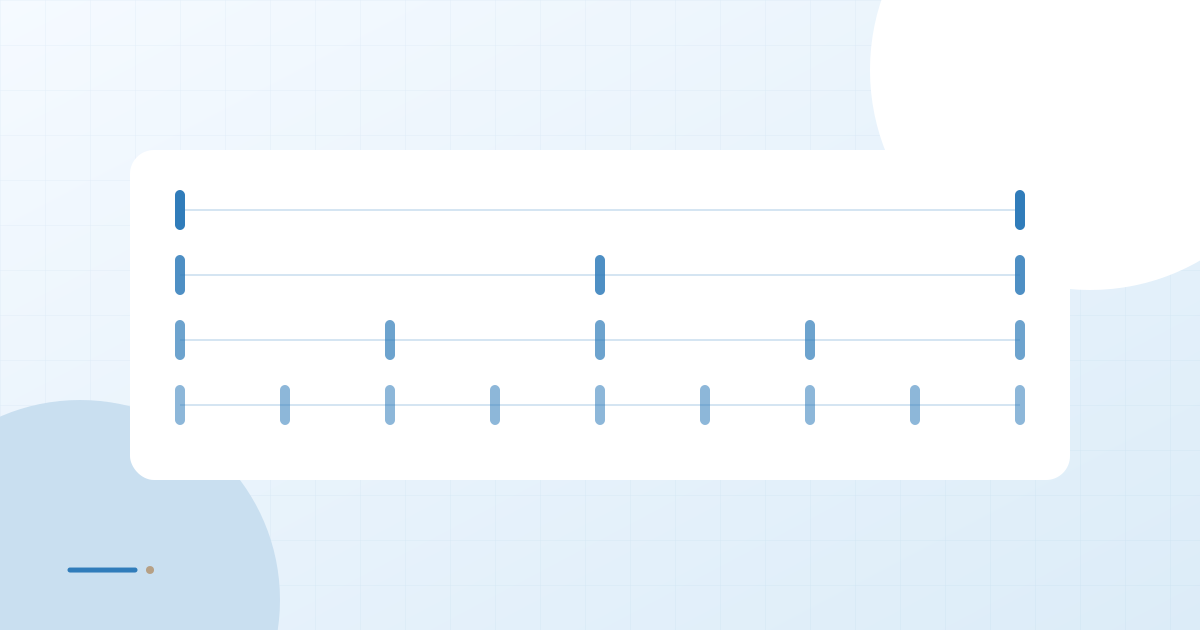
The other values follow from that duration. An eighth note is half a quarter note, and a sixteenth note is one quarter of it. A half note lasts two quarter-note beats, while a whole note lasts four. A dotted note adds half of the original duration. Three eighth-note triplets fit into one quarter-note beat.
| Note value | Duration at 120 BPM |
|---|---|
| Whole | 2,000.00 ms |
| Half | 1,000.00 ms |
| Quarter | 500.00 ms |
| Eighth | 250.00 ms |
| Sixteenth | 125.00 ms |
| Dotted quarter | 750.00 ms |
| Dotted eighth | 375.00 ms |
| Eighth-note triplet | 166.67 ms |
For more worked examples, read BPM to Milliseconds. The calculations assume that your entered BPM refers to quarter notes; a score or performance counting a different beat unit needs that distinction resolved first.
Choose a delay rhythm that supports the part
A straight eighth-note delay at 120 BPM repeats every 250 milliseconds. It can fill the spaces between quarter-note beats without waiting a full beat. A quarter-note delay repeats every 500 milliseconds and leaves more room between echoes. A sixteenth-note value creates a much closer sequence of repeats.
A dotted eighth lasts 375 milliseconds at the same tempo. Its repeats fall across the simpler beat divisions, which can create an interlocking rhythmic feel. An eighth-note triplet value of approximately 166.67 milliseconds divides each quarter-note beat into three equal parts. Choose it because the phrasing calls for that subdivision, rather than because a triplet setting automatically suits every swung performance.
The delay time is only one part of the sound. Feedback determines how many repeats remain audible, while level and filtering affect how strongly those repeats compete with the original part. Check the effect alongside the arrangement, especially around lyrics, snare accents, and chord changes.
Use reverb timings as starting points
Reverb pre-delay controls the gap before the reverberant sound begins, while decay describes how long the tail persists. A musical note duration can be a useful reference for either setting, but these two controls serve different purposes. Putting the same number into both does not produce a predictable musical improvement.
For example, a whole-note duration at 120 BPM is 2,000 milliseconds, or two seconds. You might compare a tail around that scale with a shorter half-note duration while listening to the spaces in an arrangement. It is a listening experiment, not a promise that the tail will disappear exactly at the next bar or that the reverb will sound clearer.
Check the units your effect uses. A decay control expressed in seconds needs milliseconds divided by 1,000. Some controls are percentages or named modes instead of literal time values; a number from this calculator cannot be pasted meaningfully into those settings.
Check the tempo before calculating
The arithmetic can be correct while the input tempo is wrong. If a track feels natural at 70 BPM but you enter an alternate 140 BPM count, the quarter-note output will be half as long. Decide which grid and beat unit your project uses before choosing a delay subdivision.
Use the Tempo Finder to understand alternate pulse counts, and the online metronome to compare a proposed tempo with a steady passage. For a changing-tempo project, a single fixed millisecond value will not remain synchronized through every section. Recalculate for each relevant tempo, or use the synchronization features available in your effect.
Delay and reverb timing questions
Does this calculator recommend a perfect reverb setting?
No. It provides note durations. Suitable pre-delay and decay depend on the performance, arrangement, and effect. Use the values as references, then judge the sound while the music plays.
Why is my effect asking for seconds?
Different controls use different units. Divide a millisecond value by 1,000: 750 milliseconds becomes 0.75 seconds. Confirm the control's meaning before applying the conversion.
Can I enter a decimal BPM?
Yes. A finite tempo within the 20–300 range can be calculated, including a decimal value. The displayed durations are rounded to two decimal places, so small differences may be hidden by that rounding.
What if the timing sounds wrong despite matching the formula?
Check the beat unit, the selected subdivision, and the actual recording tempo. The BPM calculation guide explains those relationships. Then review the effect's feedback, mix, and units; a correctly timed repeat can still crowd the original part.