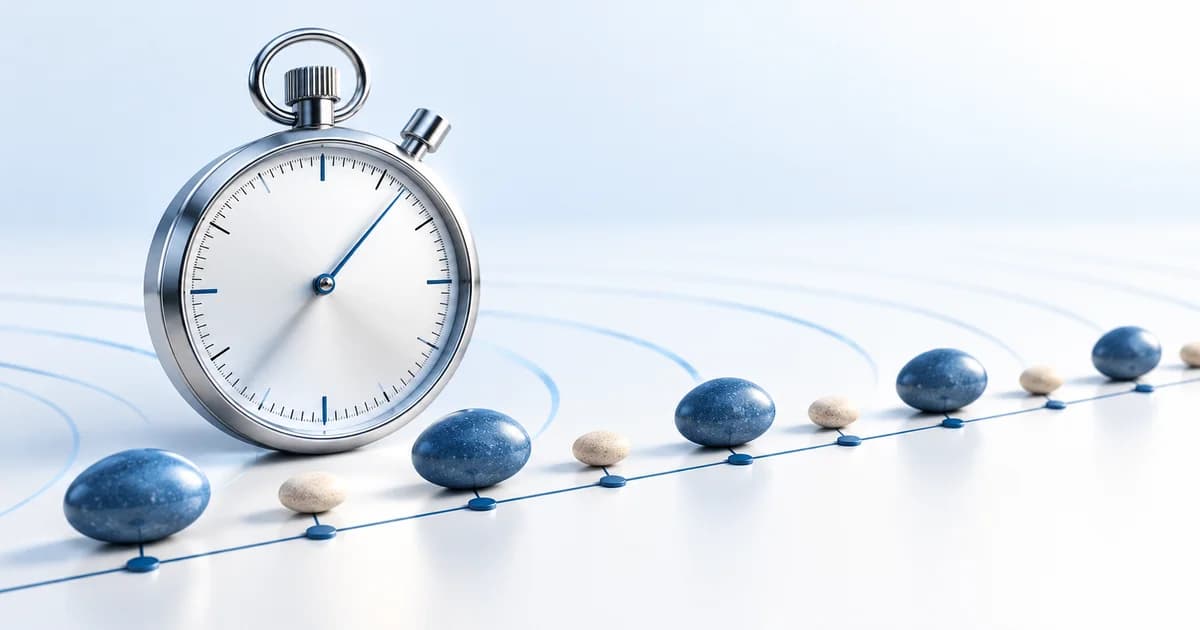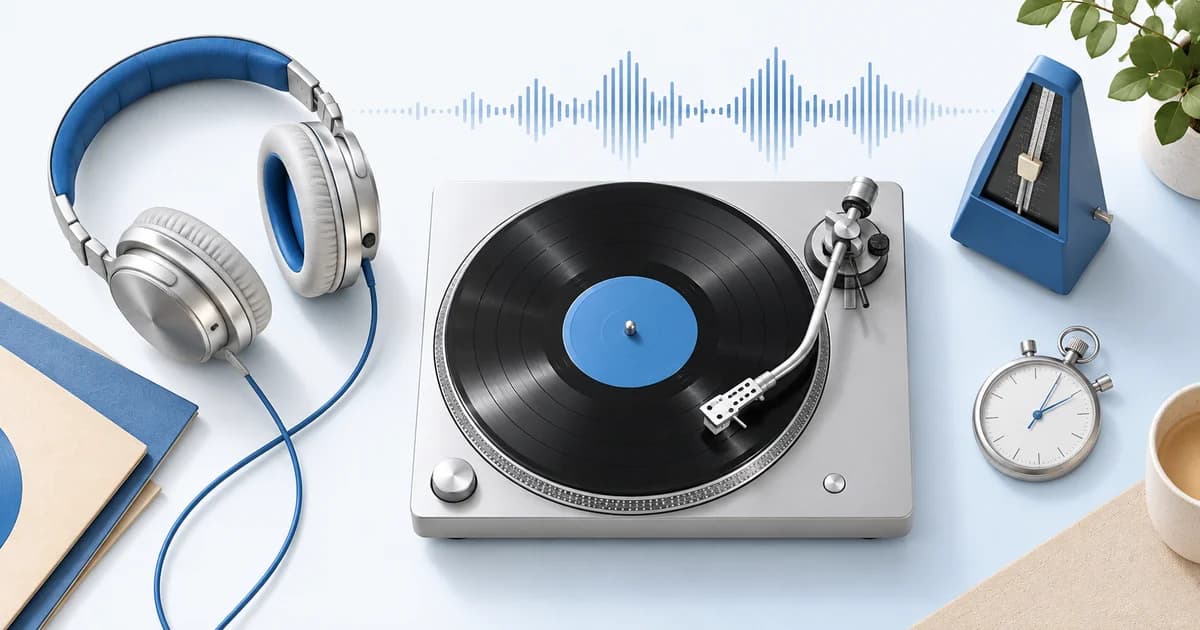

Tap Tempo estimates a song's BPM from the timing of your taps. Play the music, find the main pulse, then press a button or key in time with each beat. After several taps, the tool calculates the average interval between presses and converts it into beats per minute. It works especially well when you can hear a song but do not have an MP3 or WAV file to analyze. You can use it while listening to vinyl, a streaming track, a rehearsal, or music playing in the room—without giving the page access to your microphone.
Start with Our Free Tap Tempo Tool
Open Tap Tempo on a computer, tablet, or phone. Before tapping, listen through a few bars and find the pulse you would comfortably clap to. Then tap the large control on every beat. On desktop, use the indicated keyboard shortcut where available; do not assume spacebar input works while your cursor is inside another form field. Continue until the reading stabilizes, and reset before trying a different track.
You can also use the BPM Finder when you have a compatible audio file. The two approaches complement each other: file analysis examines patterns in the recording, while Tap Tempo measures the pulse you choose by ear. Comparing them can be helpful when the song has a half-time groove.
Step-by-Step: Find a Song's BPM by Tapping
Step 1: Listen before pressing anything
Spend five to ten seconds identifying the regular movement beneath the melody. In a basic dance beat, each kick may represent a quarter-note pulse. In funk or hip-hop, the kick pattern may be uneven; instead, follow the consistent beat that holds the groove together. Do not simply tap every loud sound. A melody might contain several quick notes within one beat.
Step 2: Tap once for every main beat
Use even finger movement and let the music guide you. The first tap starts a timestamp sequence. Each following tap contributes an interval. If your taps are roughly half a second apart, the display should settle near 120 BPM. You do not need to count the taps aloud, but saying “one, two, three, four” can help keep your hand on the same rhythmic level.
Step 3: Give the calculation enough information
A few taps produce only a rough reading. Continue for eight to sixteen regular taps, and repeat if the value keeps jumping. Longer tapping periods tend to reduce the influence of minor timing mistakes when the underlying song stays at a steady tempo. If you drift away from the beat, reset and begin from a clearer section rather than forcing a bad reading to settle.
Step 4: Verify the number
If you measure 72 BPM but the song seems energetic, try tapping twice as often and compare a 144 BPM interpretation. Or open the metronome and check whether its click follows the same beat over several bars. A number that initially matches but slowly drifts may be an imprecise estimate or may indicate changing musical tempo.
How Does a Tap BPM Counter Work?
Every tap records a time, often in milliseconds. The tool subtracts consecutive timestamps to find the spaces between taps, averages a series of intervals, and divides 60,000 by the mean interval. For example, a mean gap of 600 milliseconds corresponds to 100 BPM. A gap of 400 milliseconds corresponds to 150 BPM.
A detail worth remembering: twelve taps contain eleven between-tap intervals. The counter should calculate time between events, not assume each event contributes a full interval. Some implementations average only recent intervals to respond to tempo changes, while others use a longer window for stability. Either way, your consistency and selection of pulse are crucial.
Why Your Tap Tempo BPM Might Be Wrong
You are tapping subdivisions
Fast closed hi-hats can sound like the beat even when they fall twice as often as the main pulse. If you tap every eighth note rather than each quarter note, a 90 BPM song may produce a reading near 180. Listen to the kick, snare relationship, and bar structure to find the intended pulse.
You are tapping only the backbeat
If the snare lands on every second quarter-note beat and you tap only the snare, you may see roughly half the tempo. For a song programmed at 140 BPM, this could produce a 70 BPM result. That can be a legitimate half-time feel, but it may not be the tempo grid you want for DJ software.
The section has irregular timing
Live bands sometimes push into choruses or slow down at the end of a phrase. In those situations, Tap Tempo reports the recent tapping pace rather than a universal song-wide BPM. Measure several sections separately and note the variation rather than averaging the entire performance blindly.
Too few taps or a missed press
Three quick taps give limited information. An accidental double press or one long pause can skew the calculation, especially with small sample windows. Reset and repeat the measurement in an area with a strong, unambiguous pulse.
When Tap Tempo Is Better Than Uploading Audio
For a live drummer, an unfamiliar radio track, or a vinyl record with no convenient file, tapping is the most accessible option. DJs can use it to double-check a deck's BPM display; musicians can use it to match the pace of a reference recording; producers can tap the tempo of an idea before starting a DAW session. It is also useful when you want to practice recognizing the beat rather than depend only on software.
However, Tap Tempo does not analyze sound. It will not identify the music, report a musical key, or detect a tempo automatically from your microphone. If you have an MP3 or WAV and want a file-based estimate, use the dedicated Tempo Finder instead.
Practice Exercise: Improve Your Tapping Accuracy
Choose a song with a clear four-beat pattern. Open the Tap Tempo tool and measure it three separate times, tapping at least twelve beats in each attempt. Record the three results. If they are close, you probably identified a stable pulse; if one is twice the others, investigate the rhythmic level you tapped. Next, set the metronome to your middle reading and listen against the music.
Try this again with a slower song and a rhythmically busier track. The goal is not to achieve an impressive number but to recognize a consistent musical pulse. As you improve, your three repeated readings should become more consistent, particularly on steady music.
Frequently Asked Questions
Does Tap Tempo need a microphone or audio upload?
No. It measures your taps, not incoming sound. You can tap while listening to any audible recording or live performance.
How many times do I have to tap to find BPM?
A few taps can give a preliminary estimate, but eight to sixteen steady taps provide a more useful basis. Repeat the attempt if the reading jumps around.
Why does tapping at double speed change the result?
Because the counter measures the intervals between taps. Halving those intervals doubles the calculated BPM. Many songs contain musical subdivisions that allow more than one plausible tapping rate.
Can I use Tap Tempo for classical music?
Yes, but expressive rubato may mean the tempo changes from phrase to phrase. Use the reading as a local estimate, not a fixed description of an entire performance.
Is keyboard tapping more accurate than tapping on a phone?
Either can work. Consistent movement and clear beat selection usually matter more than the input device. If your device misses presses, switch controls or slow down your tapping motion.
Related: How to calculate BPM, finding a song's BPM, and troubleshooting wrong BPM readings.